< Previous | Contents | Next >
Organize, Tabs, Nests
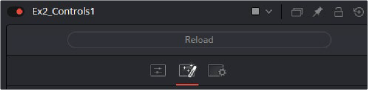
Tabs Appear across the top of the Inspector Tool Control area and allow the organisation of the UI Tool control inputs.
The creation of a Tab is a simple 1 line, and all controls following will be on this Tab page
-- Control pages are new Tabs across the top of the tool controls in the Inspector tool control area
self:AddControlPage("Color Controls") -- Name the new Tab Control page
Nests allow the creation of groups of controls under a single heading. Nests can be twirled open or closed.
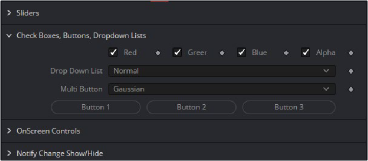
Nests are defined by a single line BeginControlNest and ended by the EndControlNest call
self:BeginControlNest("Color Picker", "ColorPicker", true); -- Control Nests group controls with a togglable collapse/expand function
-- More controls self:EndControlNest()